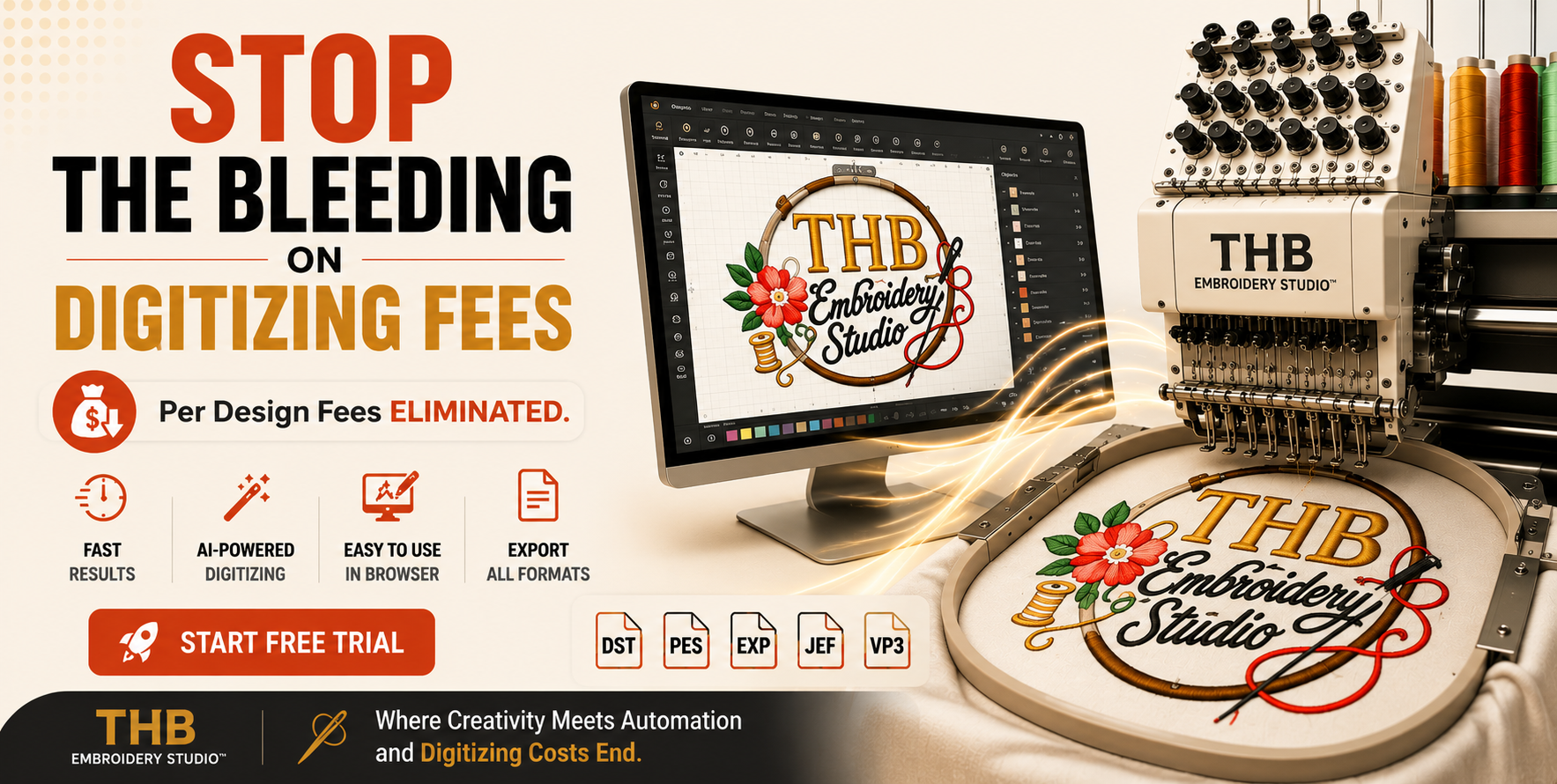
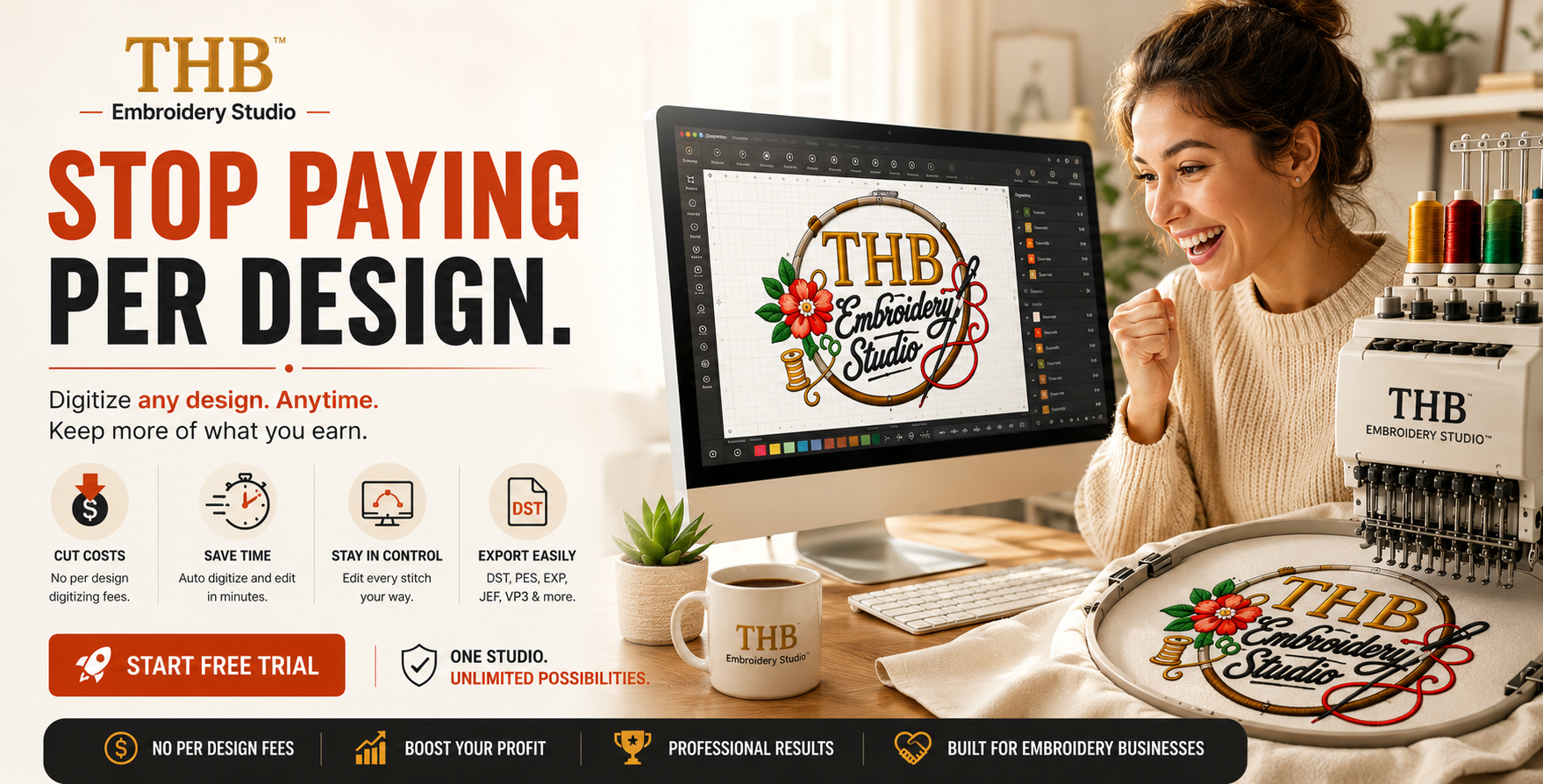
No software to install. Open a tab, upload a logo, export a DST.
Most digitizing software is built for experts. THB Embroidery Studio gives you clean, machine-ready output without learning a complicated desktop program.
One workspace from upload to export — no juggling four programs to finish a single logo.
Detects colors from your image and matches each to an Isacord code. Set max colors or force single-color.
Scrub through every stitch with a realistic preview. View all layers, or isolate underlay, top, and edge.
Tatami, satin, raised satin, motif, appliqué and more — tune row gap, density, and pull comp per object.
DST is production-ready everywhere; PES export is in beta. See run time, thread total, trims, and size first.
Four steps from a flat logo to a file your machine can stitch.
Drop a PNG or SVG into the studio.
Choose stitch types and how many thread colors.
Scrub the simulator and reorder the sew order.
One click to DST — load it and run.
Watch real designs come together — from upload, to digitized stitch plan, to the file on your machine.
Logos digitized in the studio and run on a QH-XC1201 — caps, polos, totes, and more.
Start with a 3-day free trial. Cancel anytime.
Full access to every tool in the studio. New members pay $29.99/mo for the first 2 months with a promo code, then $49.99/mo. Cancel anytime.
From first-time digitizers to busy custom-apparel businesses.
“I went from fighting desktop software to exporting a clean DST in an afternoon. The satin edges come out crisp every time.”
“The auto color separation alone saves me an hour per logo. Customer sends a PNG, I send back a stitched cap the same day.”
“Being browser-based means I prep designs on my laptop and run them on the machine without shuffling files on a USB stick.”
Every button is where you'd expect it. Every default is tuned to what actually sews well on caps, polos, and totes.
Try the studio freeQuestions, feedback, or need help? Send us a message — we reply right inside the app.